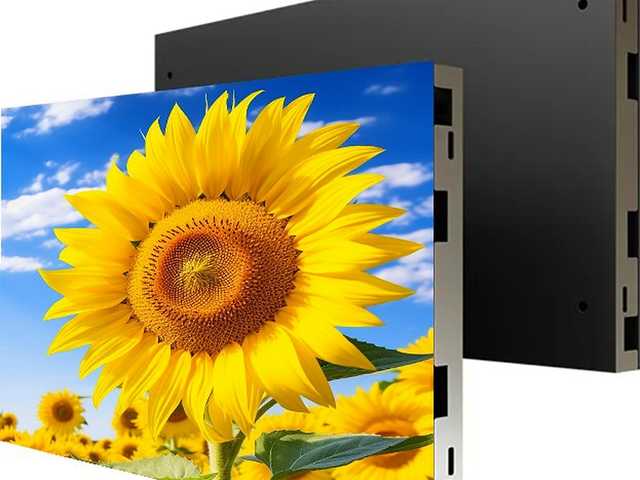
Irregular LED displays fail in one of two ways: the shape is right but the pixel grid is wrong, so logos look stepped and text looks chewed; or the shape is beautiful in the render and impossible to install. We solve both before tooling starts, by building the pixel map and the mounting sequence at the same time.
The work starts with your vector file. We trace the outline, decide where cabinet seams will land, then produce a pixel map that tells the control system exactly which LED belongs to which coordinate. Anything with a diagonal edge, a radius or a hole in the middle needs that map — a rectangle does not.
Typical builds include LED cubes for retail plinths, cylindrical columns for hotel lobbies, ribbon screens that follow a staircase, and free-form logo screens where the brand mark itself is the display.
Where this line usually goes
- Retail plinths and product reveal cubes
- Hotel and casino lobby columns
- Brand logo screens and reception features
- Staircase ribbons and ceiling waves
- Stage sets and touring props
- Showroom product walls with cut-outs
Any outlineVector-based shape
P1.25–P5Pixel pitch
±0.1 mmSeam tolerance
6–40Module types per shape
Why the pixel map matters more than the shape
When a cabinet is not rectangular, the LEDs inside it no longer form a clean matrix. Without a per-pixel map, the controller sends a rectangular image and the edge of your shape gets clipped or stretched. We generate the map from the same CAD file used for tooling, so what the designer drew is what the screen plays.